Here’s how it all works, from start to finish using real screens from app.
About 10 minutes, once.
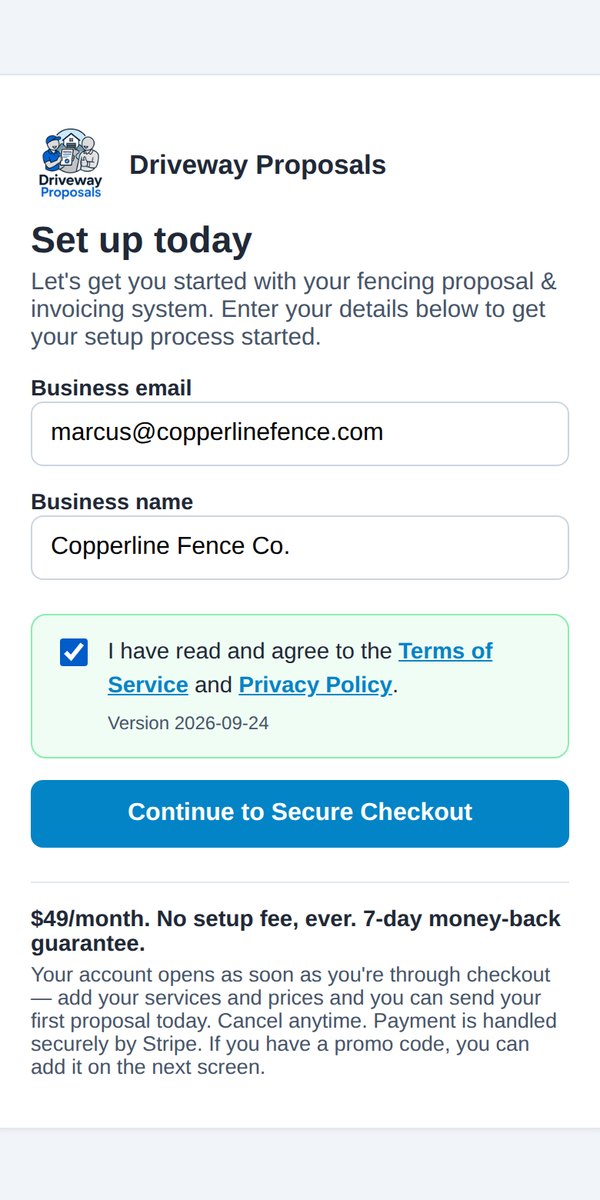
Your email and your business name. That’s it. No setup fee, nothing to install.
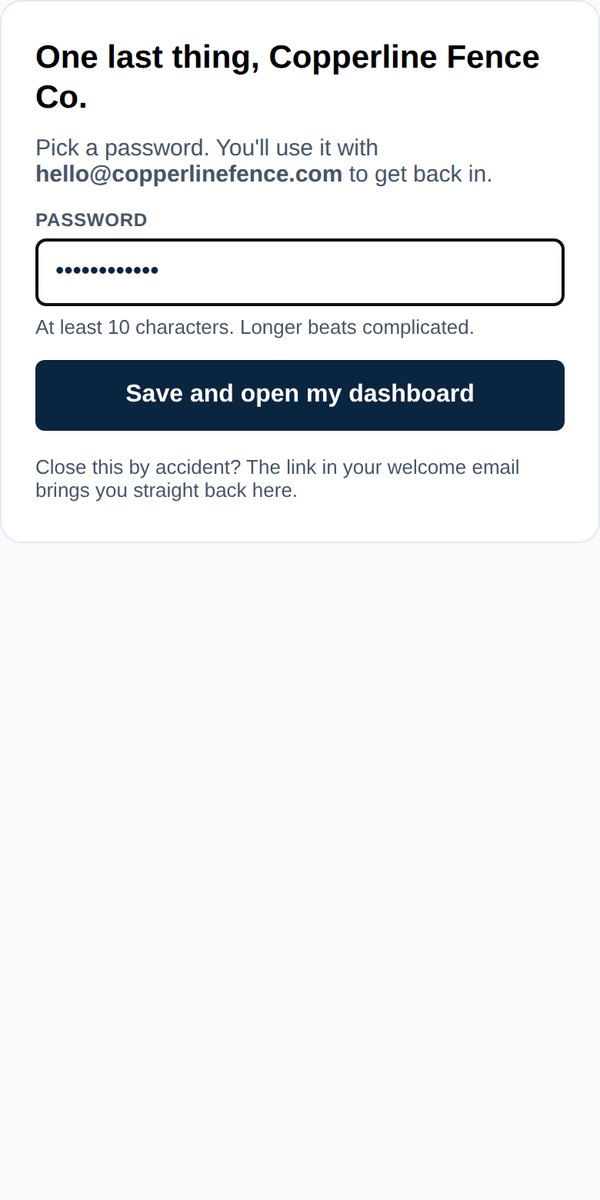
One password gets you in from any phone or computer. Add up to 10 people on your team later, each with their own login.
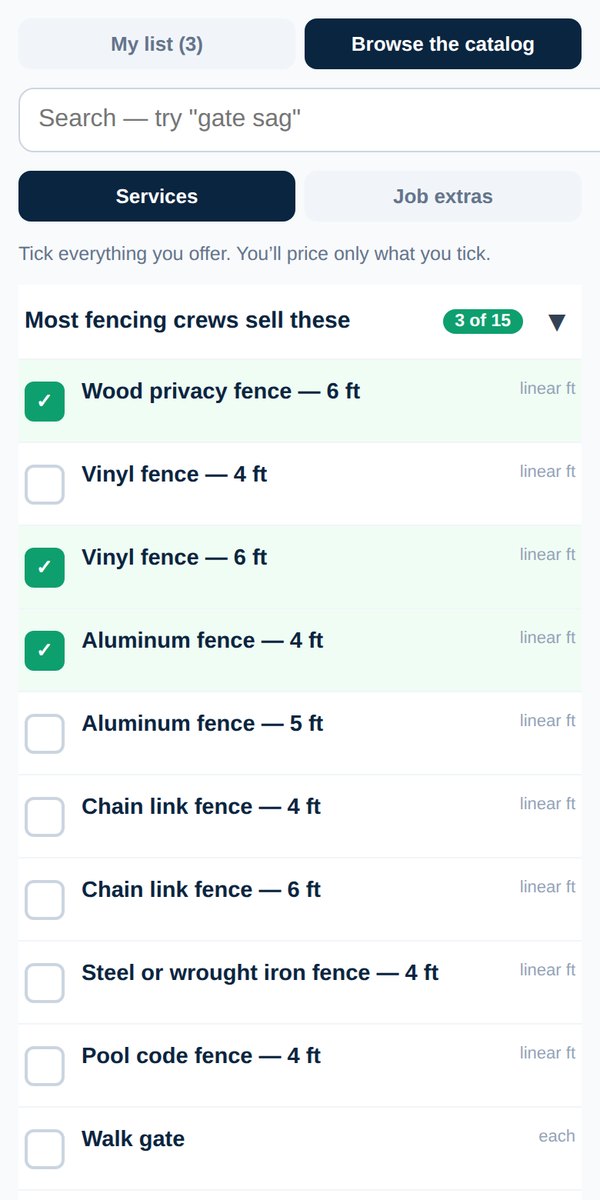
Your trade’s service list is already built. Tick what you do. The most popular ones are right at the top. Don’t see something? Add your own.
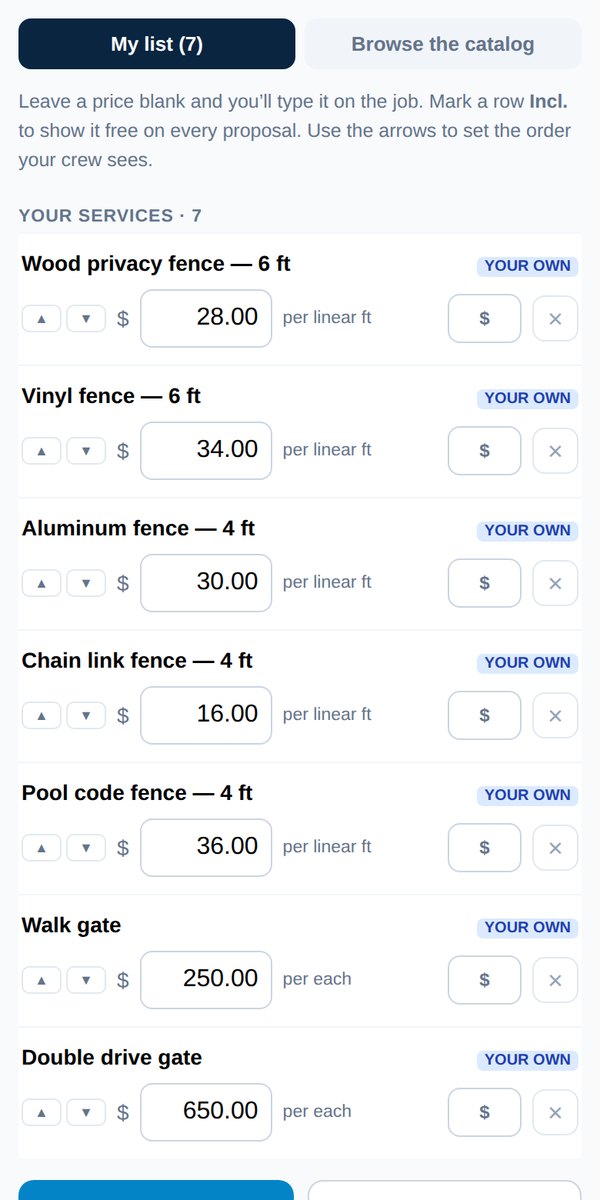
Per foot, per room, per visit, flat per job: however you charge. Add your logo and paste in your terms. Change anything, any time.
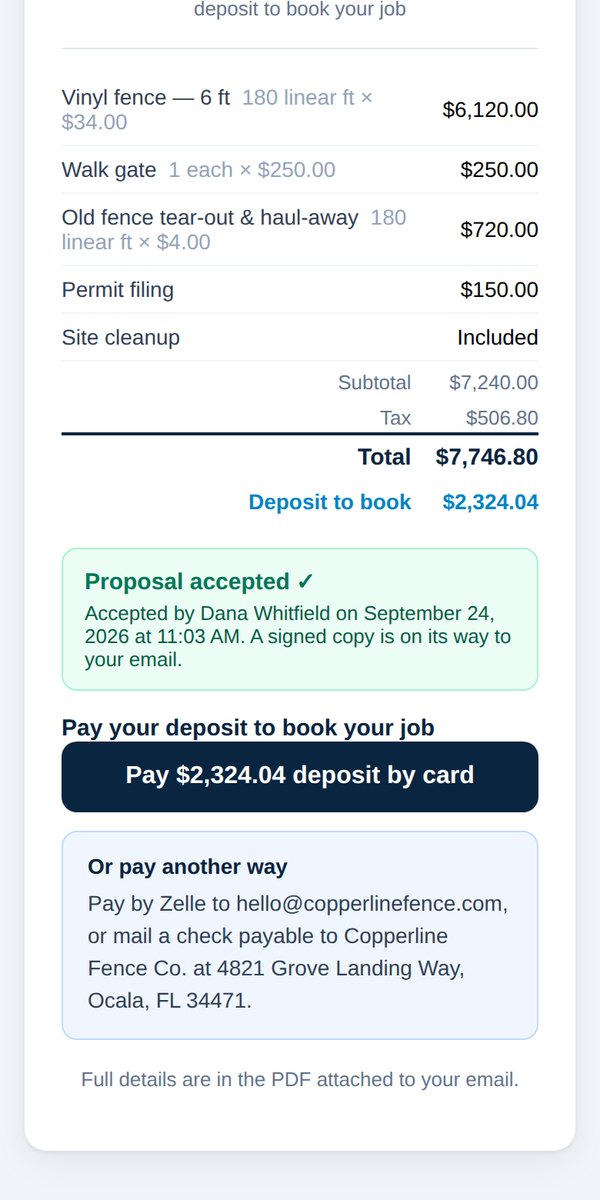
Mark anything you throw in for free as Included. It prints the word “Included” on the proposal, never “$0.00”.
One tap opens it, just like an app. Nothing to download from an app store.
Takes about a minute. See the home-screen guide.
About 60 seconds, standing in the driveway.
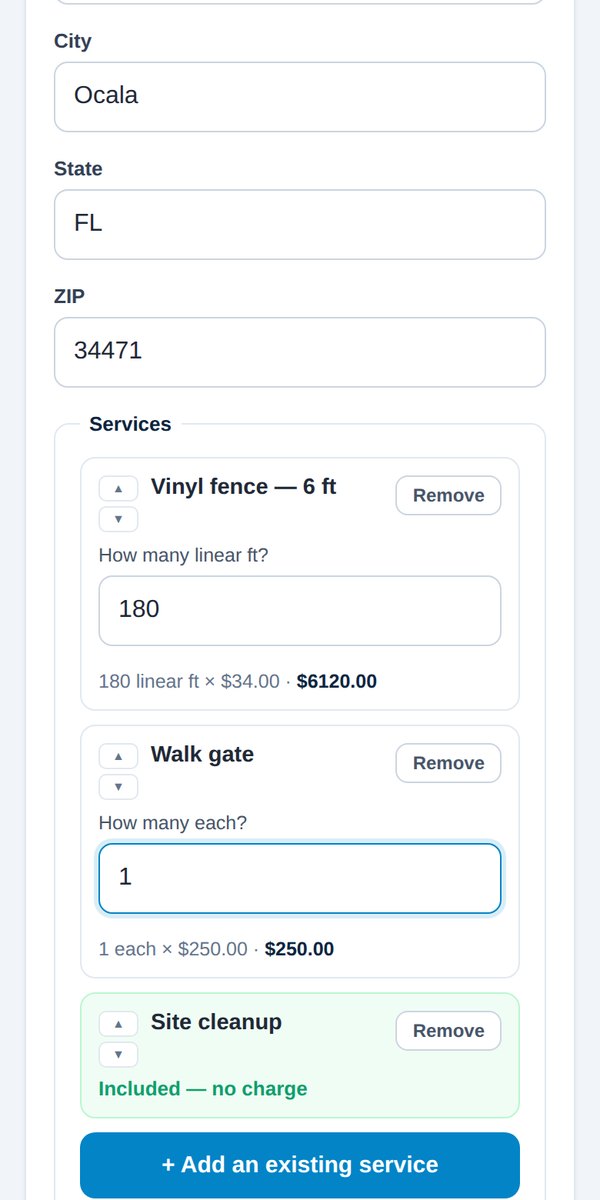
Name, email, address. Tap Add a service, pick from your list, type the footage or the count. The math is done for you.
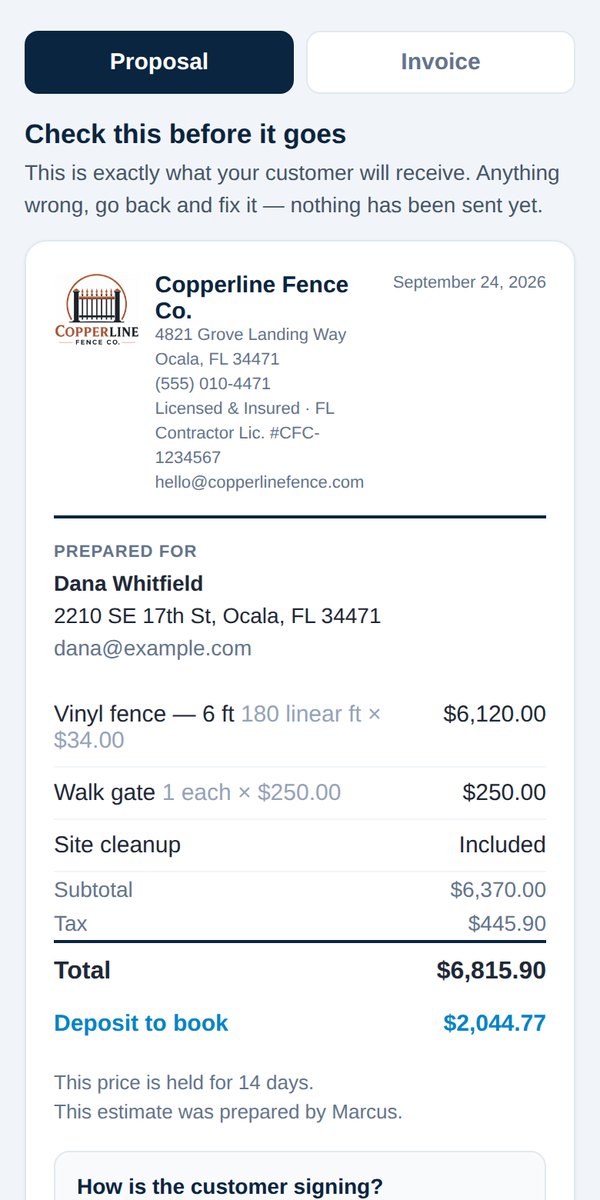
See exactly what your customer will get before it goes. Then choose: they sign right now on your phone, or later from theirs.
Your customer gets a clean, itemized PDF with a Pay Deposit Now button. You get a copy too, so you always have a record.
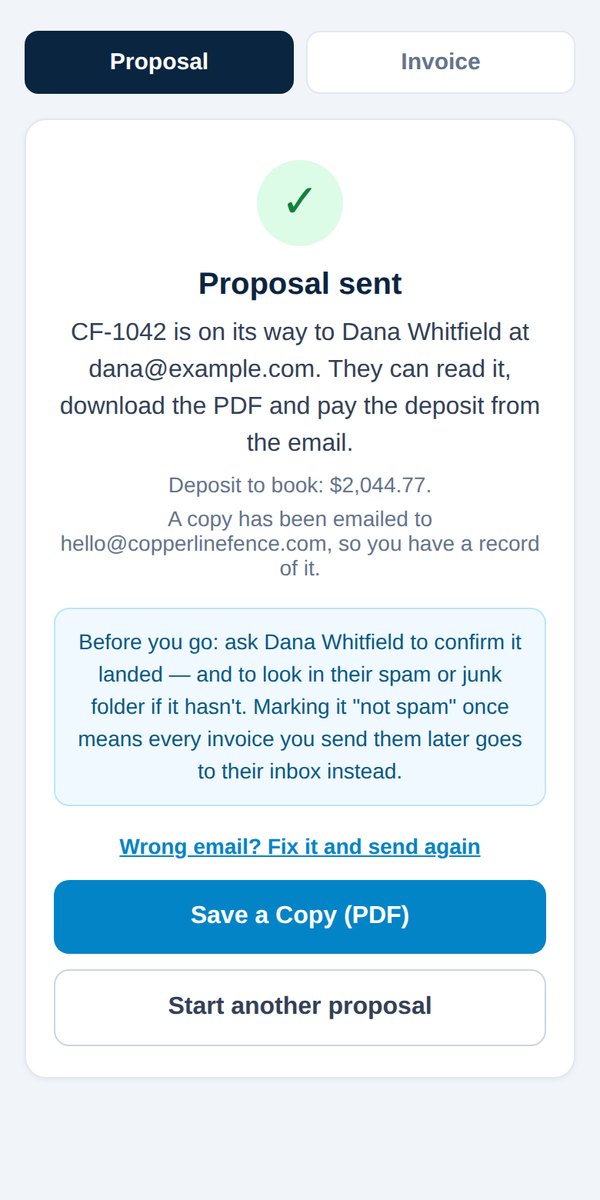
Often before you’ve reached your next job.
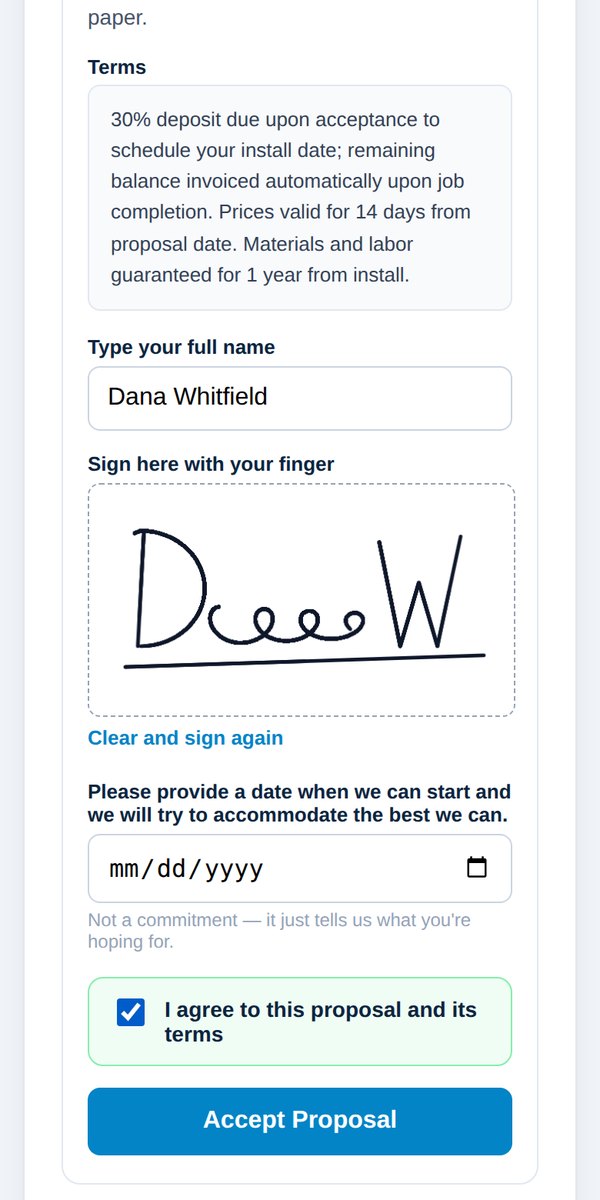
Hand them your phone: they read your terms, type their name and sign with a finger. Not there in person? They sign later from their own phone. Every signature is time-stamped with a full audit trail.
Card payments go straight to your own account through Stripe. Prefer Zelle, Venmo, PayPal, Square or check? Your payment instructions print on every proposal and invoice, and you mark it paid when the money arrives.
We never hold your money. It goes from your customer to you.
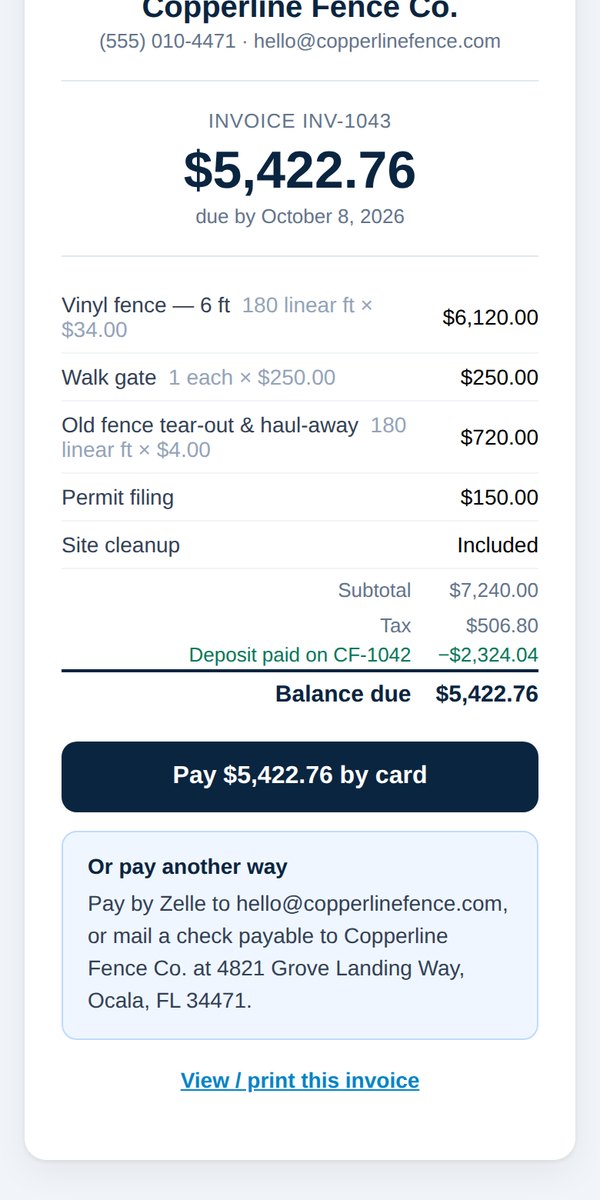
Open the job and tap Send an invoice for the balance. The customer, the work and the deposit are already filled in, so the numbers add up at a glance.
Tap through the real app on your trade’s page, or jump straight in.
Get Started → Try the demo for your trade$49/month · No setup fee · 7-day money-back guarantee
