Change how a service is charged (per job, per sq ft, per visit...)
Quick answerEach row keeps the unit it came with. To charge a different way, go to Dashboard → Your services → Add your own service, pick how you charge (one flat price for the job, by the sq ft, by the square, by the repair, by the visit and more), set your price, then remove the old row.
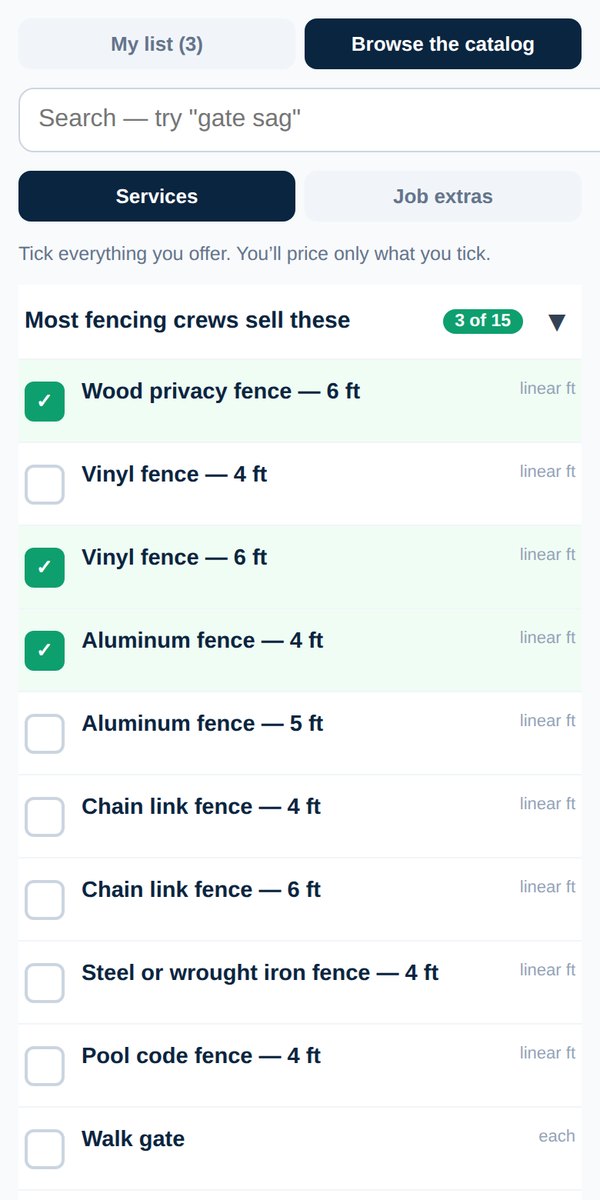
Every row on your list carries its own unit, shown beside the price: per sq ft, per square, per visit, flat and so on. That unit decides the math: your crew types the quantity on the job and the app multiplies it by your price. A flat row is one price for the whole job, with no quantity.
A row's unit can't be switched in place, so a proposal you already sent never changes under your customer. To charge a different way, add the same work back with the unit you want:
- Open your dashboard and tap Your services.
- Tap + Add your own service.
- Type the name you want on your proposals, for example "Driveway cleaning (flat)".
- Under How do you charge for it? pick the way you charge: one flat price for the job, or by the sq ft, square, linear ft, sq yd, cubic yard, hour, day, visit, repair, room, month or each.
- Type your price and tap Add to my list.
- Tap the ✕ on the old row to remove it, then Save changes.
Your next proposal or invoice uses the new row. Proposals and invoices you already sent keep the price your customer saw.
Want both? Keep both rows, for example "Roof leak repair" per repair and "Roof leak repair (flat)", and pick the right one on each job.
See also Set your prices and Add your own service.
Was this helpful?