Repeat-Customer Invoicing (lawn, pool, pest)
Quick answerWin a new customer with a proposal to lock in the rate. After that, use the Invoice tab after each visit: add the customer, pick the service from your pricing list, send.
Built for crews who serve the same customers again and again.
New customer: send a proposal first. It locks in the rate and gets it signed. See Send a proposal.
Every visit after that
- Open your form and tap the Invoice tab.
- Fill in the customer.
- Tap Add From Pricing List and pick the service.
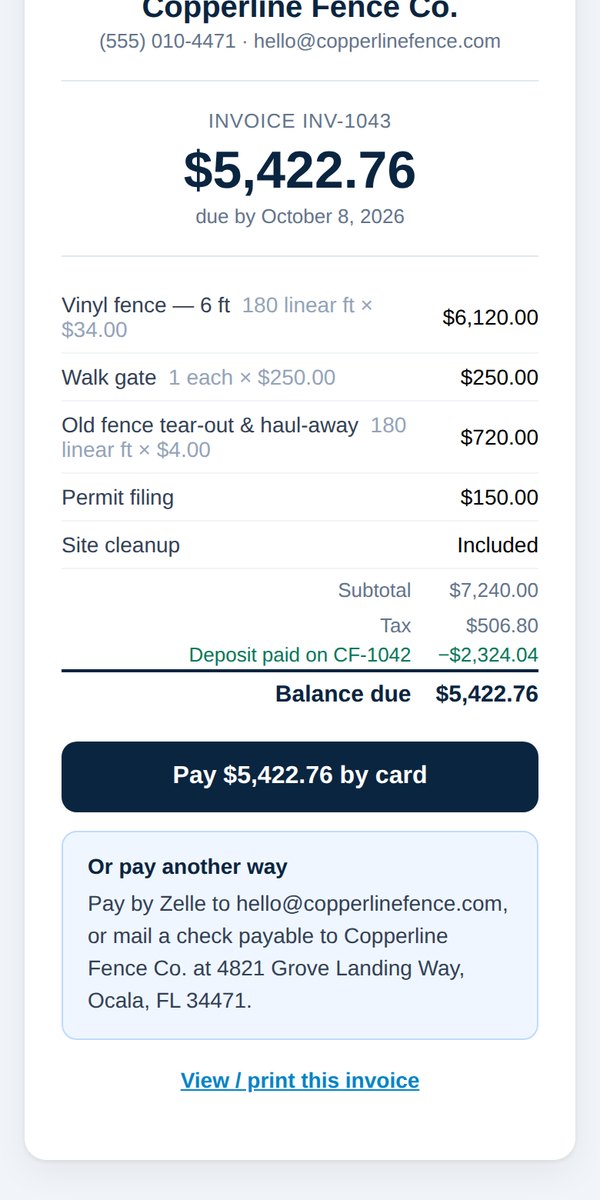
- Send. The customer gets an invoice with a Pay button.
We never charge your customers automatically. Every invoice is one you send.
Was this helpful?