Customer signs by email
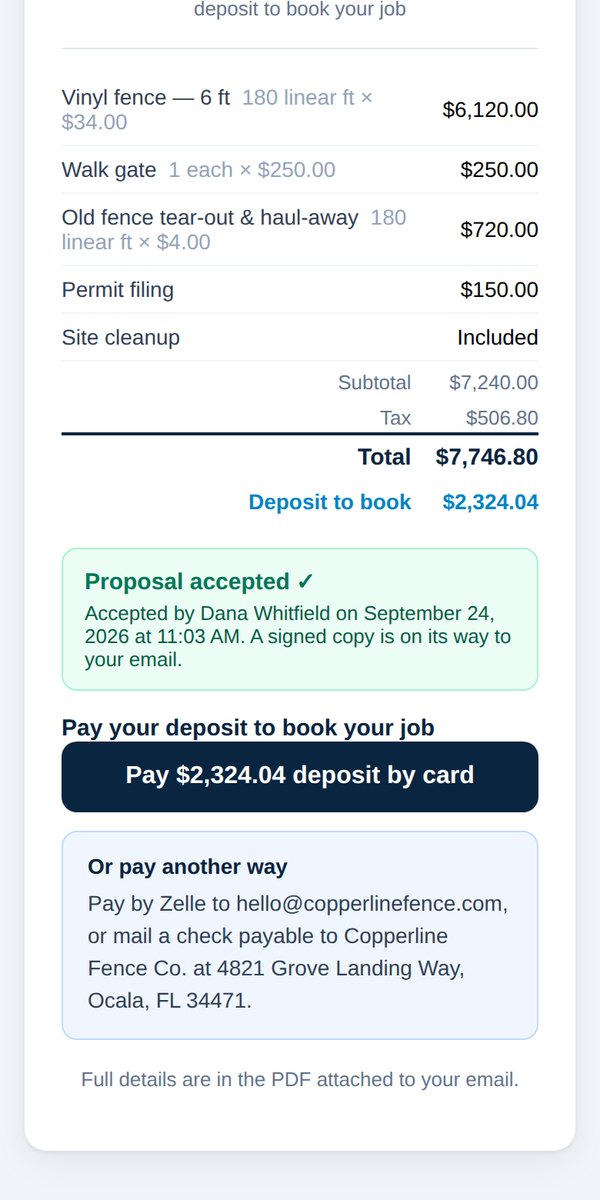
Quick answerThe customer opens the proposal email, taps Accept & Get Started, reads the terms, types their name and signs, then pays the deposit. You get an email when they accept.
- Your customer opens the proposal email and taps Accept & Get Started.
- They read the terms, type their full name, and sign.
- They can suggest a start date. It's a request, not a promise.
- They pay the deposit by card, or follow your payment instructions for other ways to pay.
You'll get an email saying they accepted, with their phone and email on it, and whether the deposit is paid.
The job shows up in Jobs & payments in your dashboard.
Was this helpful?